One wishlist for every shop.
Things from any shop land on your list with their photo and price. Send the list to friends: they reserve a gift without an account, and your list doesn’t show you what’s taken.
- Free
- No sign-up to start
- Stored in the EU





How to create a wishlist
An online wishlist in three steps, and nobody gives the same gift twice.
Add what you want
A link from any shop. We fill in the photo, name and price.
Send one link
To the chat you already use. Friends don’t need an account.
Friends reserve
Other guests see the gift is taken. Your list looks exactly the same.
What your list does for you
Gift reservations, price alerts and shared wishlists: the list keeps working after you share it.




What’s the list for?
A wishlist for any occasion — a birthday, a wedding, a housewarming or a baby on the way. Each has its own page and an example list to start from.






Popular wishes
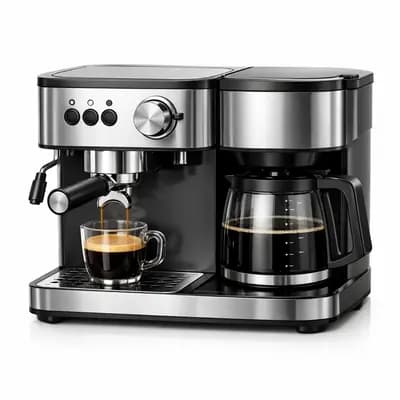
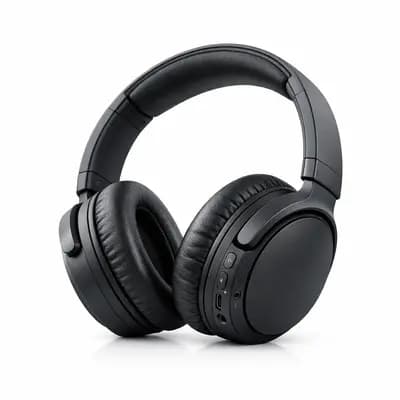
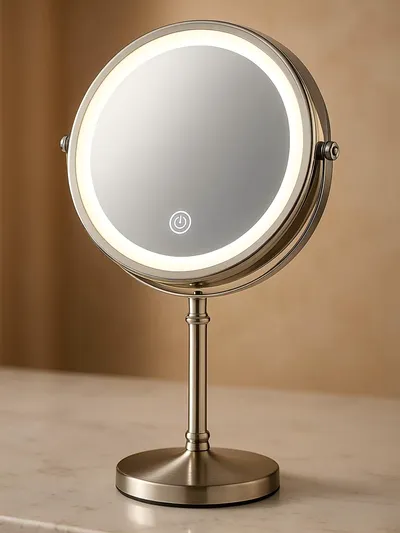
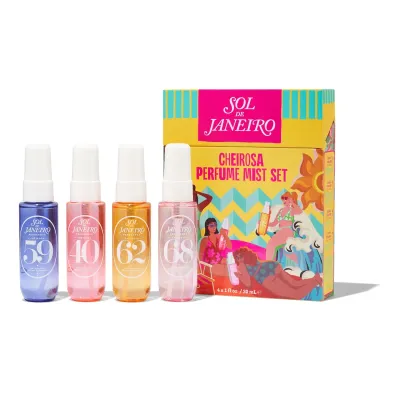
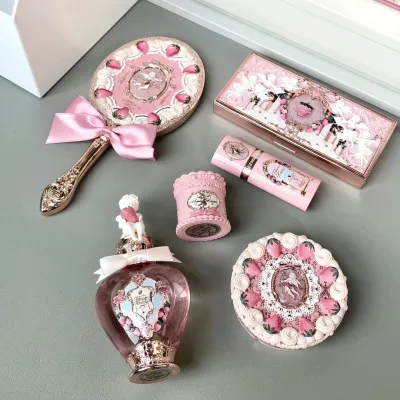
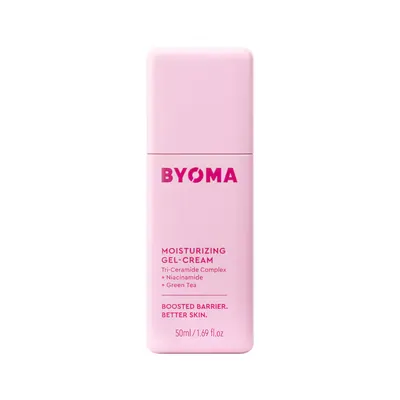
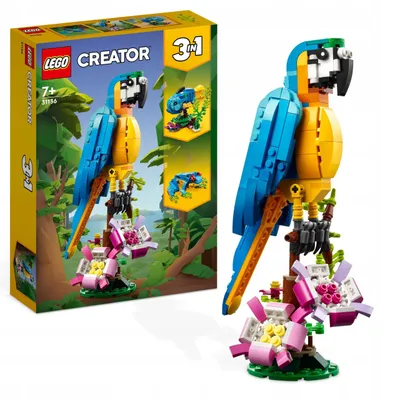
A few gifts from our partner shops, to start your wishlist when nothing comes to mind.





Before you start
Still unsure? Write to us
- What is a wishlist?
- A wishlist is a list of things you’d like to be given, shared so friends and family know what to buy. On Wishpicks it can hold items from any shop, and friends reserve gifts so nobody buys the same one.
- How do I create a wishlist?
- Start a new list on Wishpicks; no account is needed. Paste a link from any shop and the photo, name and price fill in, or add a wish by hand. Then share the list with one link.
- Is Wishpicks free?
- Yes. Lists, sharing and reservations are free, for you and for the friends you share with. Plus costs 19,99 zł a month and watches prices at any shop, every 12 hours.
- Do I need an account?
- No. Create and share a list straight away; only this browser can edit it. Add an email, or continue with Google or Facebook, to edit it on any device.
- Do my friends need an account?
- No. Your friends open the link you send and reserve a gift straight away, with no account and no app. Signing in only helps them find their reservations later.
- Which shops does it work with?
- Almost any online shop with a product page: we read the photo, name and price from the link. If a page can’t be read, add the wish by hand and keep the link.
- Will I see what’s been reserved?
- You won’t see what’s been reserved unless you choose to. Your list looks the same whatever friends reserve, so the surprise holds; you can reveal reservations on the list itself.
- How do price alerts work?
- Switch them on and we email you when a wish from a partner shop drops by 9% or more. Free checks run every few days; Plus checks any shop every 12 hours.
Start with one thing you want.
It takes a minute, the rest can wait, and you don’t need an account.