Anonymous Wishlists: What They Are and How to Never Lose Access
Sometimes you just want to save a few things without creating yet another account. Maybe it's a birthday idea you stumbled across, a gadget you want to think about, or something you spotted on Instagram that you'd like to come back to later.
That's exactly what anonymous wishlists are for — they let you get started instantly, without signing up for anything.
But here's something worth knowing: because these lists aren't tied to an account, the way you access them is a bit different. Understanding how that works can save you from a small headache later.
Let's walk through it.
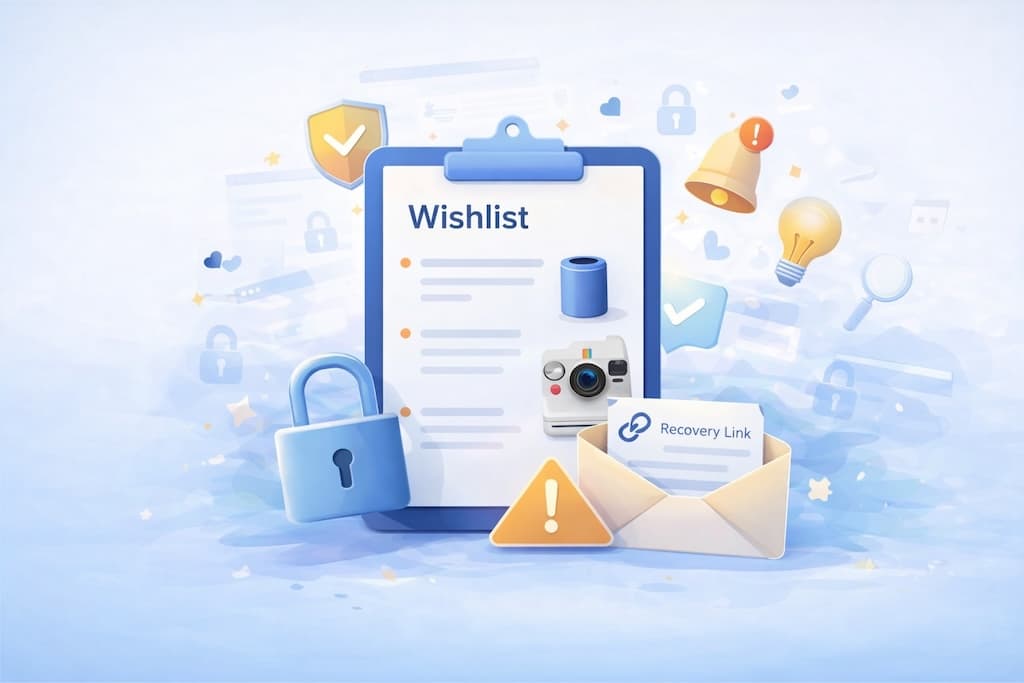
What Is an Anonymous Wishlist?
An anonymous wishlist is a list you can create and use without registering or logging in. There's no email required, no password to remember — you just start adding things.
On Wishpicks, this happens automatically. The moment you create your first wishlist, you're in. You can add items, share the link with friends, and come back to edit it anytime — all without an account.
This makes it ideal for:
- Quick gift planning — jot down ideas while they're fresh
- Testing the waters — trying out a new wishlist tool without commitment
- One-time lists — like a birthday or event list you won't need forever
- Early-stage inspiration — collecting things before you're ready to organize
You stay in control of your list. You can edit, delete, and rearrange items as long as your browser recognizes you as the owner.
Why Anonymous Wishlists Are So Convenient
Let's be honest — creating accounts can feel like a chore. Sometimes you just want to save a few links, not commit to another login and password.
Zero friction
With an anonymous wishlist, there's nothing in the way. No forms to fill out. No confirmation emails. You can go from "I want to save this" to "Done" in seconds.
Privacy-friendly
Not everyone wants to hand over an email just to save a few product ideas. Anonymous wishlists let you stay under the radar while still getting the full experience.
Easy to share
Even though the list is anonymous, you can still share it. Send the link to friends or family, and they'll see exactly what you've added — prices, images, and all.
Great for quick planning
Think of it as a scratchpad for wishes. You see something you like, you add it to the list, you move on. If it turns into something more serious, you can always upgrade later.
The Trade-Offs You Should Know About
Anonymous wishlists are convenient — but they come with a few things to keep in mind.
Because there's no account, access to your wishlist is stored in your browser. Specifically, it relies on cookies and local storage to remember that you're the owner of a particular list.
This works great most of the time. But it also means:
- Clearing your browser data can remove your editing access
- Switching to a different browser or device won't automatically carry over access
- Using in-app browsers (like those inside Instagram, TikTok, or Telegram) can cause issues, since they don't always share data with your main browser
Here's the important part: your wishlist isn't gone if any of this happens. It still exists. Anyone with the link can still view it. You just might lose the ability to edit it, because the browser no longer knows you're the creator.
Think of it like a shared document where you have the "edit" key stored locally. If that key disappears, you can still see the document — but you'll need a way to prove you're the owner to get editing rights back.
How People Usually Lose Access (And Why It's Normal)
Losing edit access to an anonymous wishlist happens more often than you'd think — and it's rarely anyone's fault.
Here are some common situations:
- Opening a shared link on a different device — like creating the list on your laptop, but opening the link on your phone
- Clearing cookies or cache — either manually, or through privacy tools and browser cleanup features
- Using in-app browsers — tapping a wishlist link from Instagram or Telegram often opens it in a mini browser that doesn't share data with Safari or Chrome
- Switching browsers — creating a list in Chrome but later opening it in Firefox
None of this is unusual behavior. People switch devices and browsers all the time. The issue is simply that anonymous access depends on local data — and local data doesn't travel with you.
If this happens, don't panic. There are ways to get back in.
How to Protect Access to an Anonymous Wishlist
You don't need to create an account to protect your list — but a few small steps can make a big difference.
1. Add a backup email
This is the simplest safety net. If you add an email to your wishlist (just one field — no full account required), Wishpicks will immediately send you a recovery link to keep.
You don't have to verify the email or log in. Just save that email somewhere safe — it's your backup in case your browser forgets you.
2. Save a recovery link
If you'd rather not give an email, you can generate a recovery link and save it somewhere safe — like your notes app, a password manager, or a bookmark folder.
This link is unique to your wishlist. If you ever lose access, you can open it and regain editing rights instantly.
3. Use a regular browser
When creating or editing your wishlist, try to use a full browser like Safari, Chrome, or Firefox — not the in-app browser inside Instagram or Telegram. This gives your wishlist a stable home and avoids issues with disappearing cookies.
If you receive a wishlist link inside a social app, consider opening it in your regular browser instead.
4. Optionally, create an account
If you're planning to use the wishlist long-term — or you want access from multiple devices — creating a free account locks in your access permanently. You'll be able to log in from anywhere and never worry about browser data again.
But this is entirely optional. You can keep using your wishlist anonymously as long as you want.
Backup Email vs Recovery Link — What's the Difference?
Both options give you a recovery link to get back into your wishlist if you lose browser access. The difference is how that link is delivered.
Backup email
- How it works: You enter an email address. Wishpicks immediately sends you a recovery link to that inbox.
- Best for: People who prefer to have the link delivered to them — easy to find later in your email.
- No login required: You're not creating an account, just receiving a recovery link via email.
Recovery link
- How it works: You generate a unique link and store it yourself — in notes, a password manager, or bookmarks.
- Best for: People who don't want to share an email, or who prefer to manage access manually.
- Flexibility: You control where and how you save the link.
Both give you the same result — a link that restores your editing access. It just depends on whether you'd rather receive it by email or copy it yourself.
Do I Need to Create an Account?
Short answer: No.
Anonymous wishlists work perfectly fine without an account. You can create, edit, and share them as long as your browser remembers you — and with a backup email or recovery link, you're covered even if it doesn't.
An account becomes useful if:
- You use multiple devices and want seamless access everywhere
- You want to manage several wishlists in one place
- You'd rather not think about browser cookies at all
But if none of that applies to you, there's no pressure. Anonymous wishlists are a full-featured option — not a limited trial.
Create WishlistNo signup required. Your list is ready the moment you add your first item.
Summary
Anonymous wishlists are one of the simplest ways to start saving ideas — no account, no hassle, just a clean list that you control.
The only thing worth remembering is that access depends on your browser. If that sounds fragile, it doesn't have to be:
- Add a backup email — one field, no strings attached
- Or save a recovery link — keep it somewhere safe
- Stick to a regular browser — avoid in-app browsers when possible
That's it. A few small habits, and your wishlist stays yours — wherever you are, whatever device you're on.
Anonymous wishlists are about freedom. A few simple steps help keep that freedom without losing access.